MACOS MENU BAR APP / COMING SOON
 MixNook
Your music,
within reach.
Find a playlist, choose the exact song, and stay with what you were doing. MixNook brings your Music library to the Mac menu bar.
Built for macOSApple MusicNo extra account
THE LIBRARY, ONE CLICK AWAY
A SMALLER WINDOW INTO YOUR MUSIC
More than
next track.
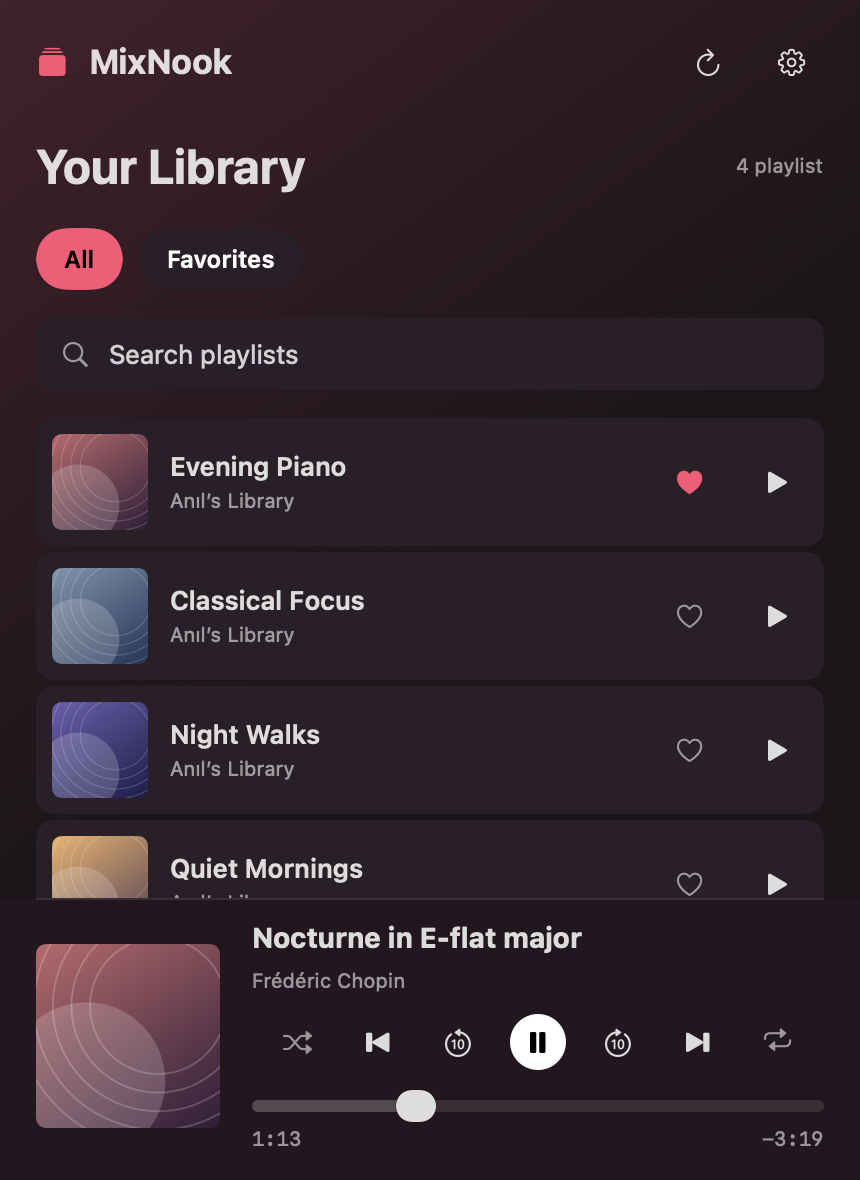
The built-in menu bar player is useful for skipping a song. MixNook gives your playlists a place there too, so the track you want is always close.
01Search your library
02Open any playlist
03Choose the song
04Control playback
INSIDE A PLAYLIST
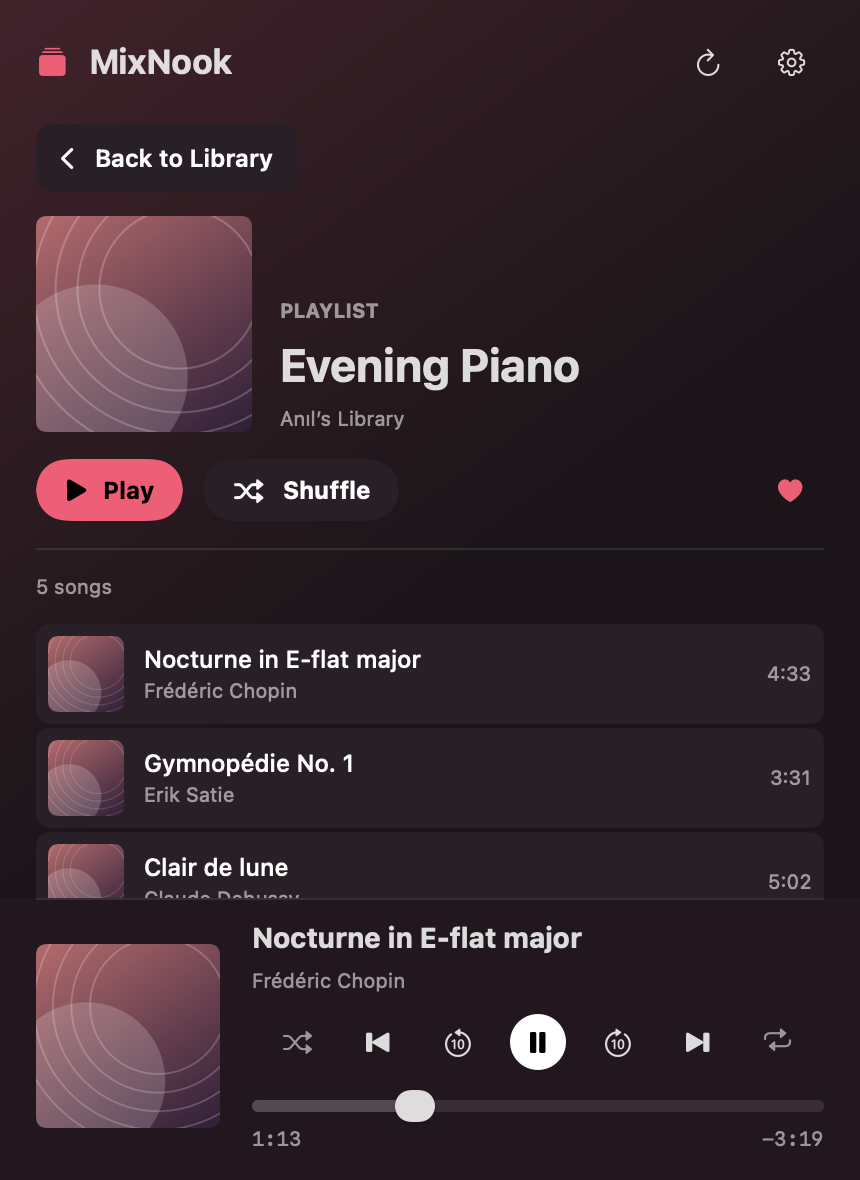
Every track is
right there.
See the playlist artwork and track list, then play exactly what you came for. Shuffle, repeat, skip, and seek from the same compact space.
Playlist artworkIndividual tracksPlayback controls
MADE FOR THE MAC
Works with the Music app you already use.
MixNook reads playlists and controls playback in Music on your Mac. On first use, macOS asks you to allow Automation access.
Your library information stays on your Mac. MixNook does not require a separate sign-in.
Read the privacy policyQUESTIONS OR FEEDBACK?
Let’s talk about MixNook.
MixNook is in development. Want to know more before release?